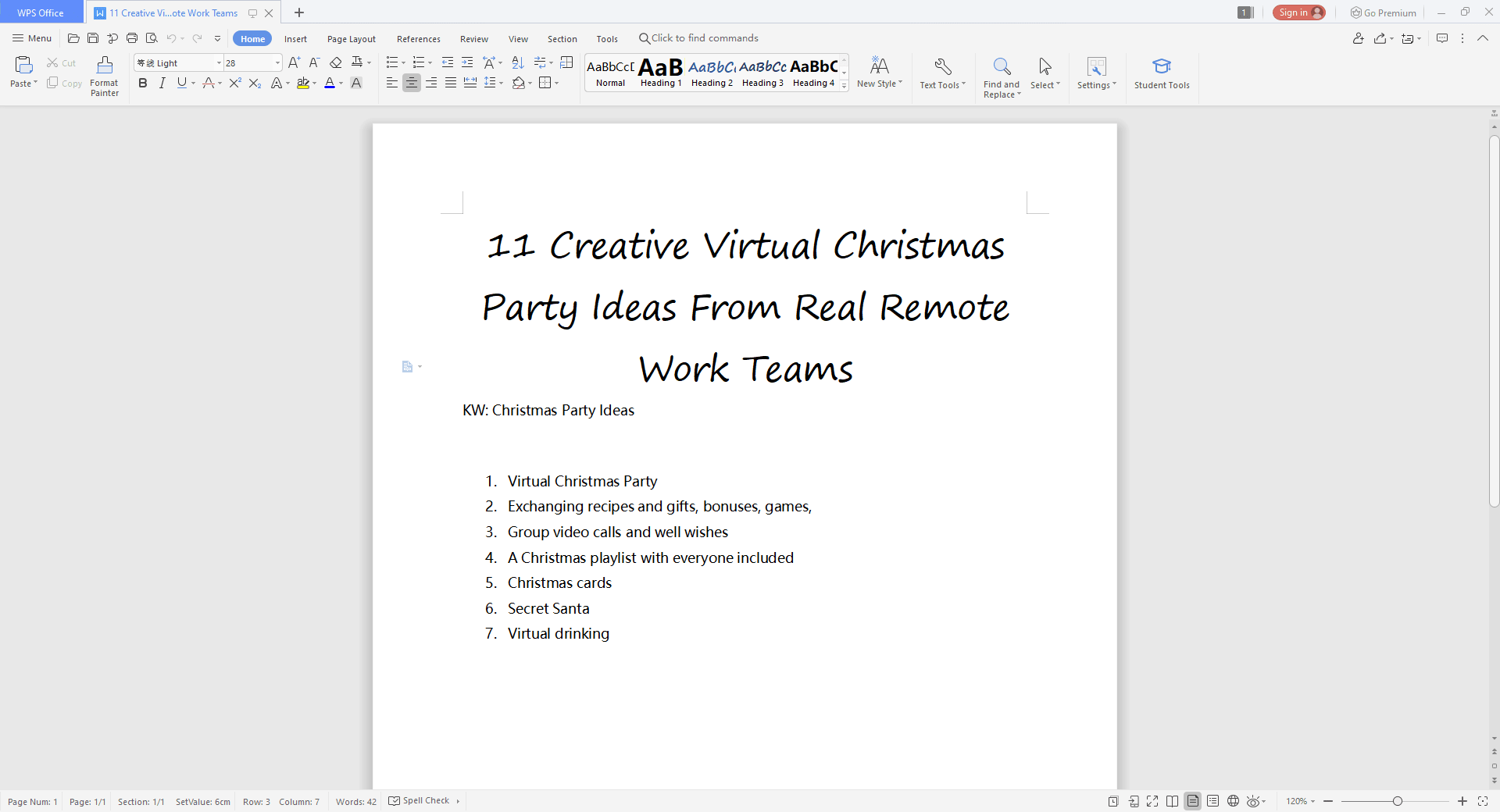
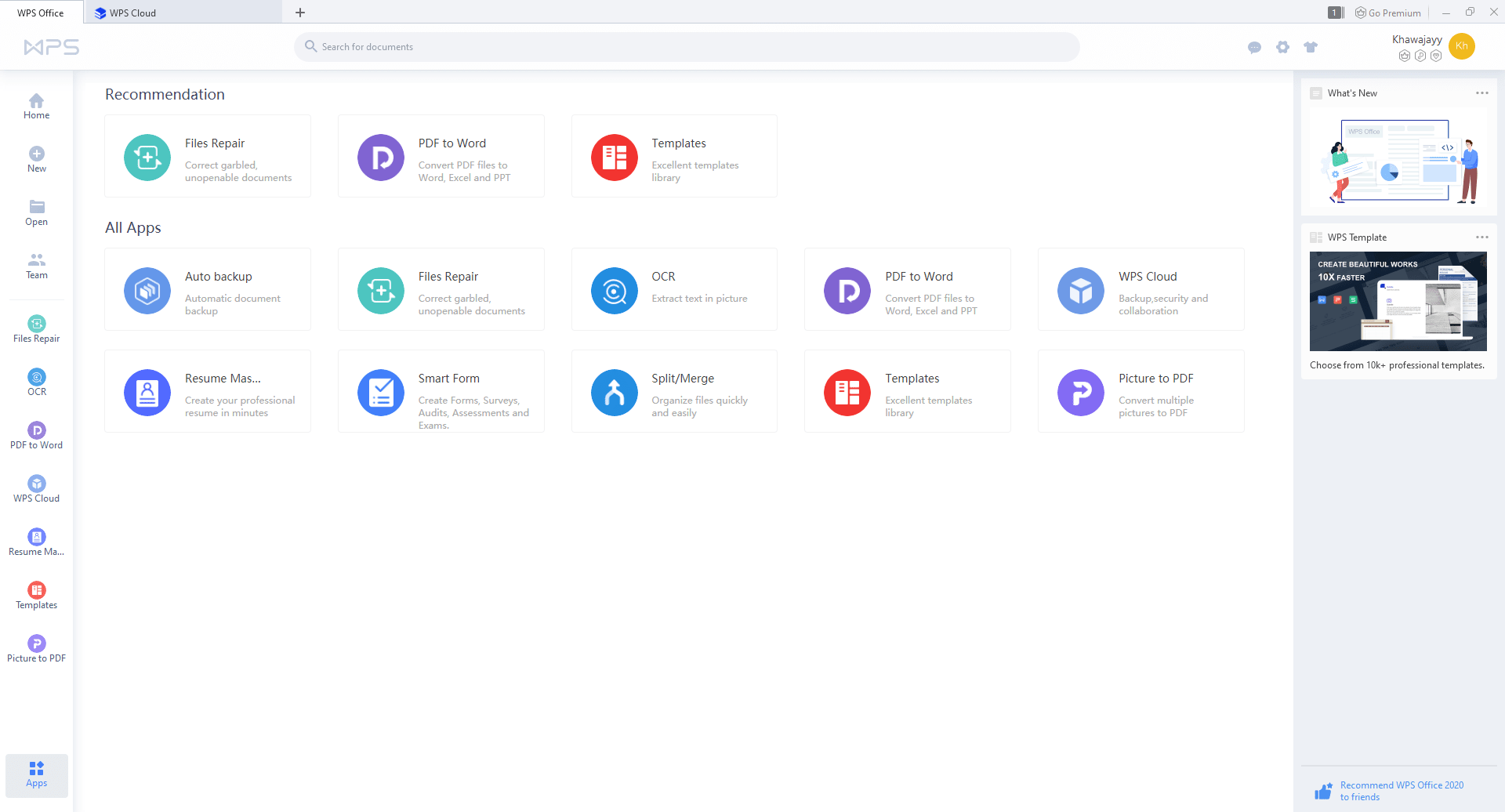
WPS Office is a complete office suite. It comes in a lightweight package that has all the options that you could need for your documents, spreadsheets, presentations, or anything else. A direct competitor to Microsoft Office, the WPS Office Suite does everything it is supposed to do and so much more.
Versions and pricing
There are three different versions available depending on the user and the level of features required: the Free version, the Premium version, and the Business version. Pricing for the Premium and Business versions may vary depending on region, available discounts, and promotional offers.Premium features
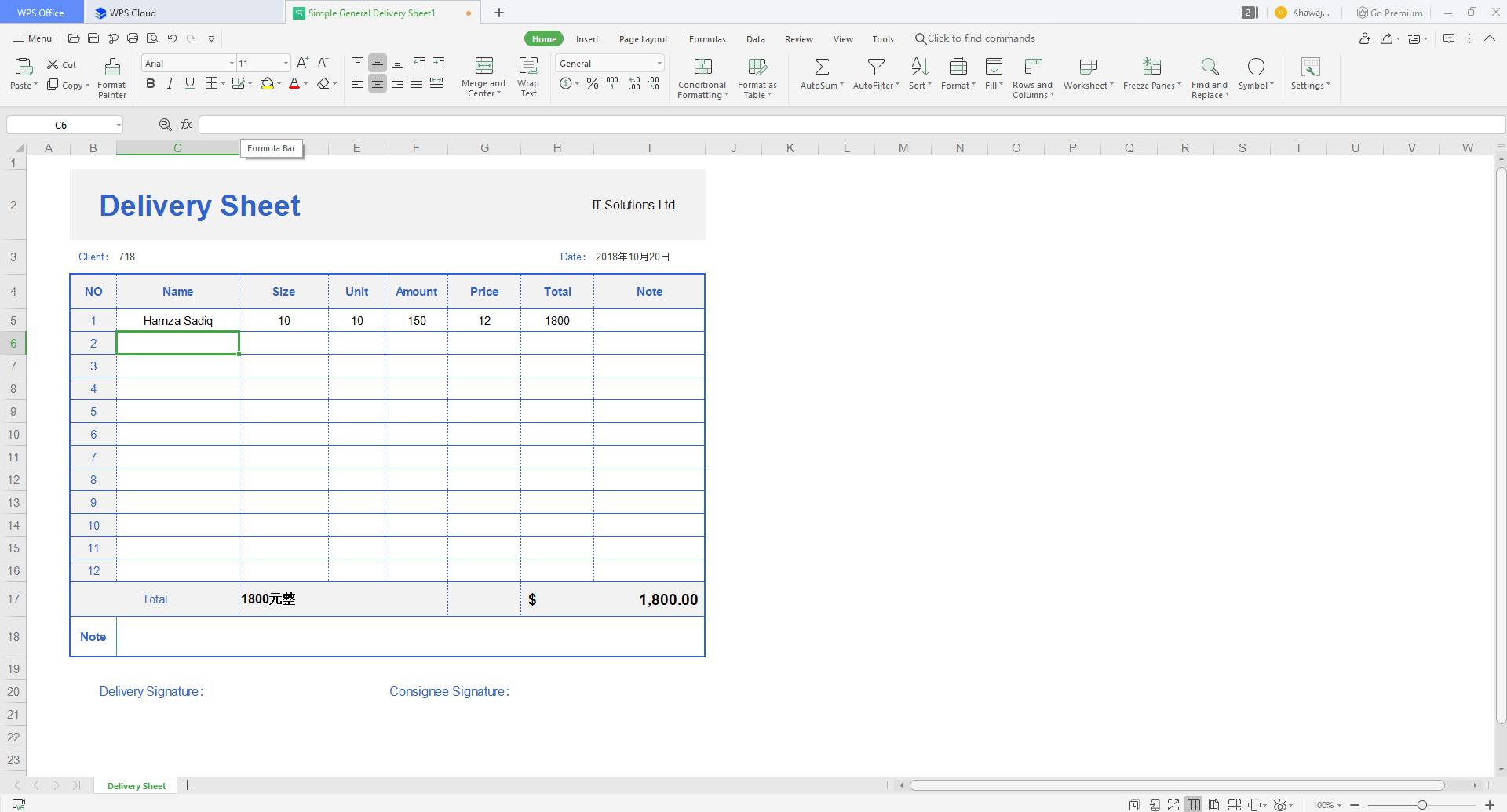
While most tasks can be performed using the Free version, the Premium and Business versions do have their benefits, such as full PDF support, advanced spreadsheets, Professional Support, and compatibility with all major document formats.
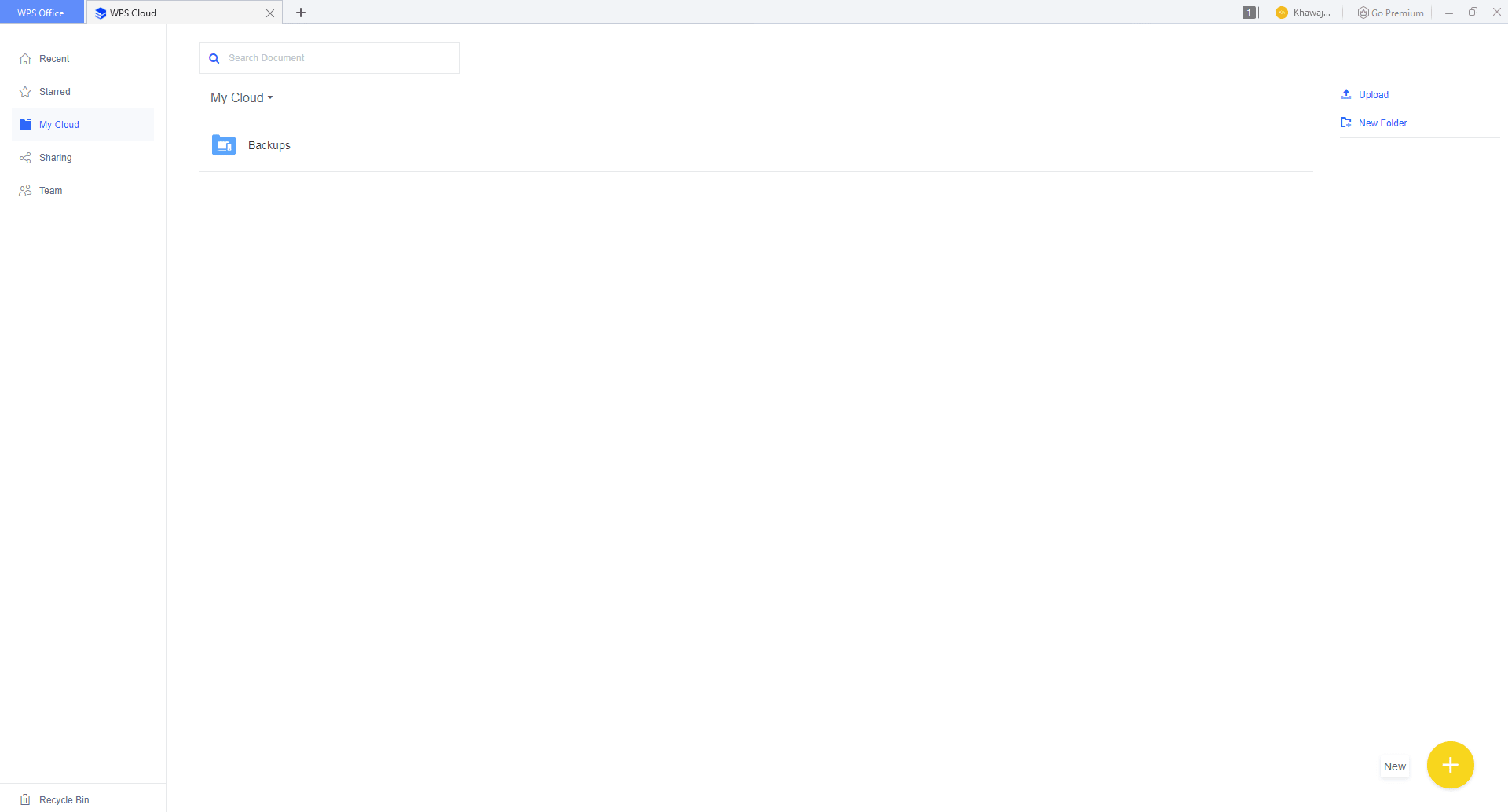
There are also other premium options, such as optical character recognition and PDF-to-Word conversion or PDF editing within the application itself. Cloud storage is one of the best things about the WPS Office Premium Suite. You can connect up to 9 devices in the Premium version, syncing them all at any time.Value of the free version
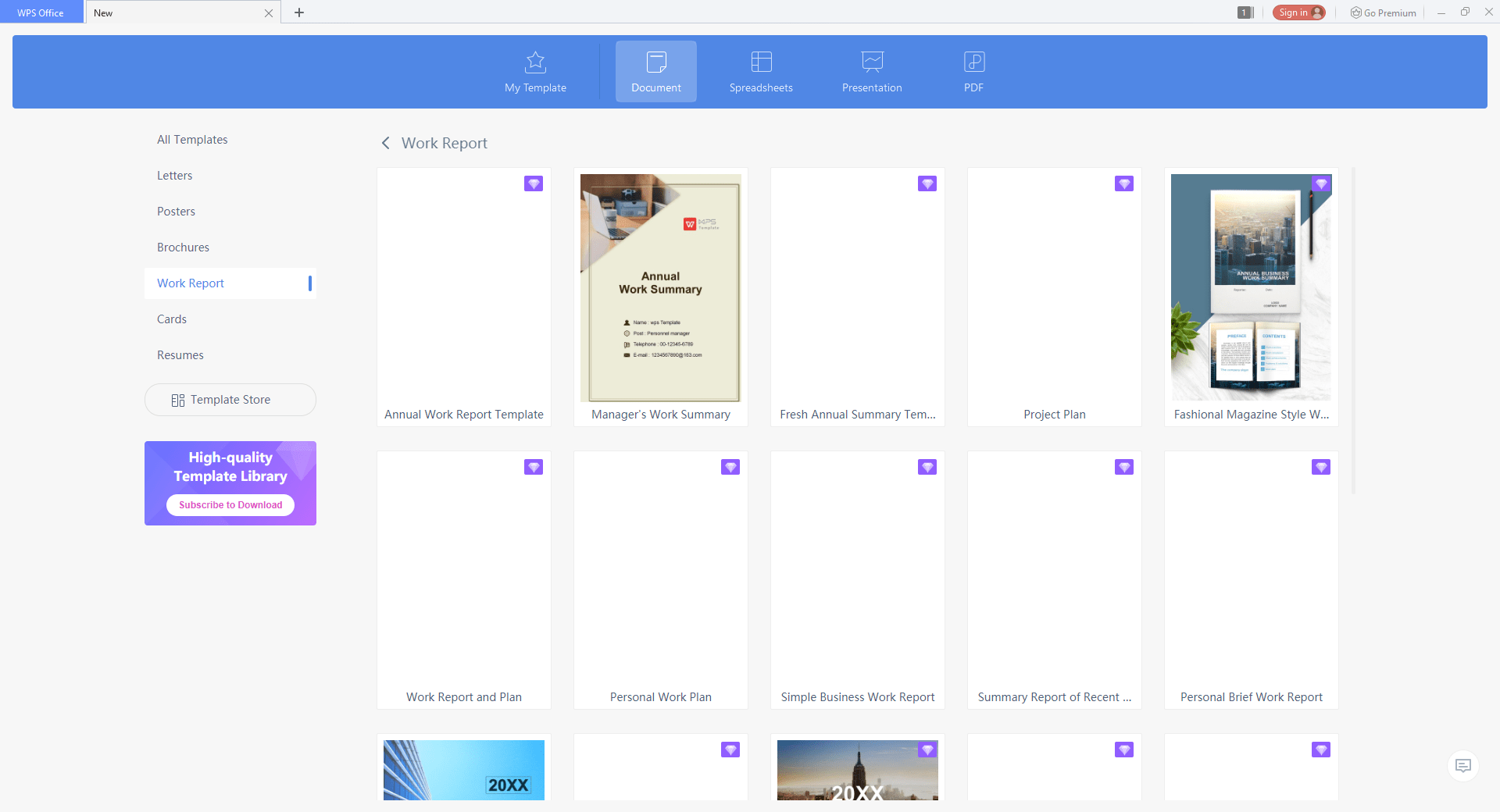
The existence of premium options doesn't mean you necessarily need them. The basic version brings more than plenty to the table. With tons of free templates for creating reports, managing finances and workload, and compatibility across all documents made with MS Office, Google Docs, or any other platform, the WPS Office proves its mettle among the best office suites.Verdict
Normally, there are some negative sides to almost every application, but the basic version of WPS Office doesn't leave much to criticize. It has most of the bases covered in its ultra-lightweight package, providing a Word processor (Writer), a Presentation application, and a Spreadsheet tool. With WPS Cloud, free templates, and multiple tabs within the same application, the suite offers much more than its competitors and hence gets the nod of approval.